About Vertov
Screen recording for humans and AI agents.
Record your screen and camera in the browser, edit the recording through its transcript, and share it with a link. You can also use an AI agent to record a walkthrough of a supported web app.
Start recording free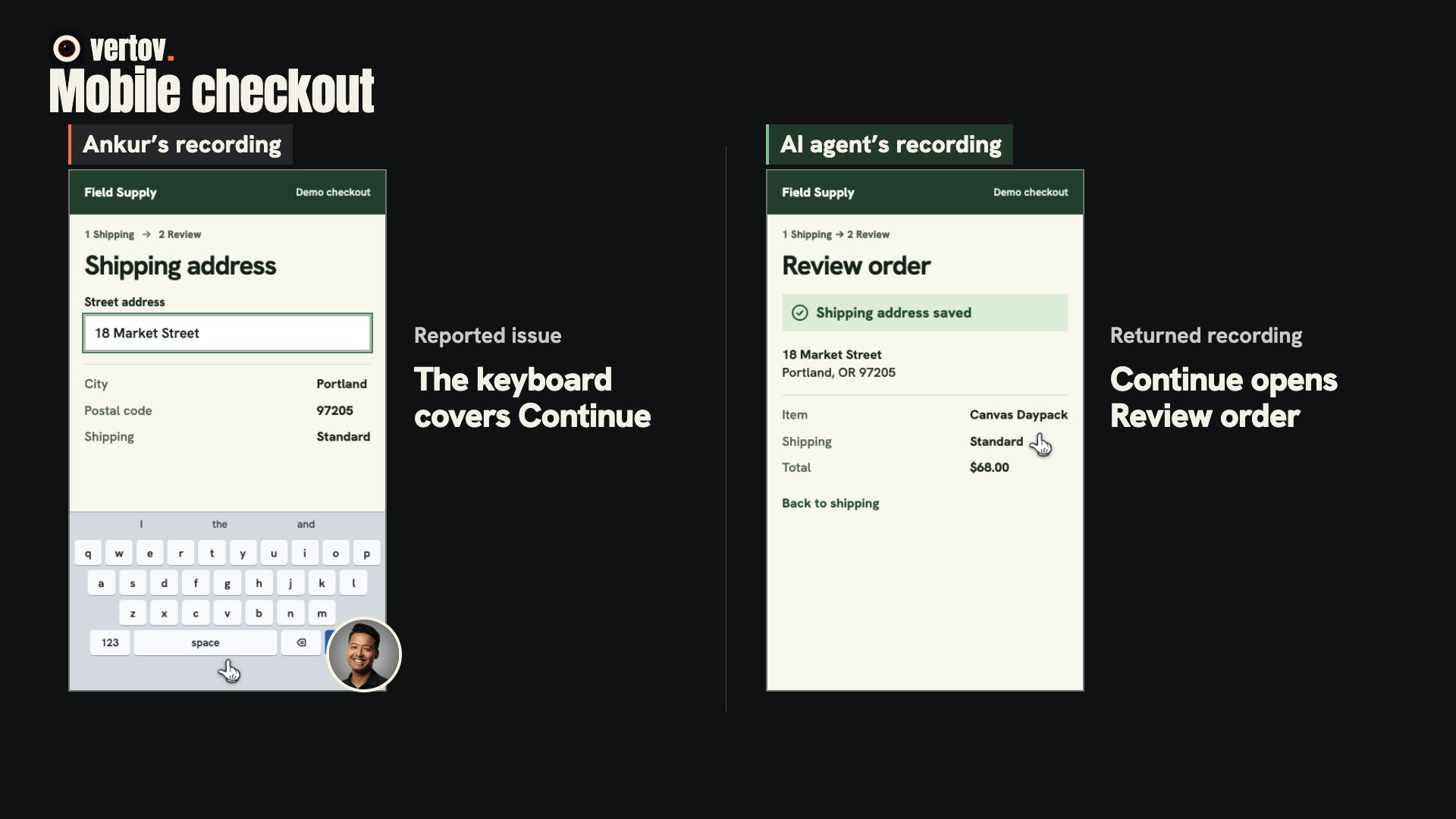
What we’re building
A video your team can work with
Record a walkthrough, add captions and cut a section by editing the transcript. Share a hosted link and get comments at the moment they refer to. Keep related videos together in a shared space.
See transcript editingRecording context an agent can use
Through MCP, a connected agent can read recording transcripts and timestamped briefs it has access to, then upload its own recording for you to review. Workspace owners and admins can also have an agent record a narrated tutorial of their verified web app in a hosted browser.
One plan for your whole team
Everyone on your team can record and share. A hosted plan gives your workspace a shared allowance for the video hours it keeps. You can invite teammates and share with viewers without paying seat fees.
See workspace plans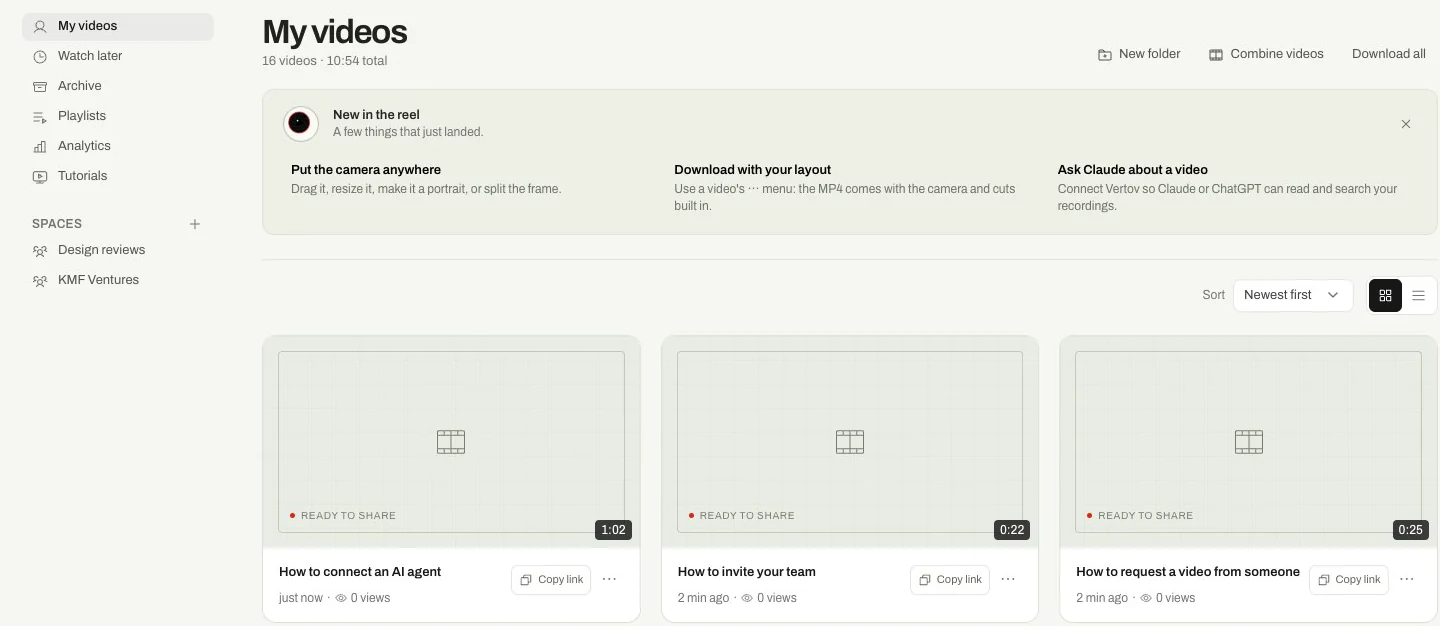
Why I built Vertov
I liked Loom. Recording something and sending a link felt effortless. After Atlassian acquired it, its changing plans and prices felt less suited to what the teams I worked with and I needed. I tried some open-source alternatives and couldn’t find one that felt as smooth as I wanted.
So I built a browser recorder that gave me a link when I finished. I shared it with friends who ran teams, and their response made me want to keep going.
As I started working more with AI agents, I wanted to give an agent the same context I could give a teammate by showing them my screen. That’s how Vertov became a screen recorder for people and AI agents.

Ankur Shrestha
Founder, Vertov
I wasn’t the only one.
In public posts about Loom, people describe recordings that vanished, bills they didn’t expect and subscriptions they struggled to cancel.
A $216 plan became a $3,120 bill
“hey @loom + @Atlassian, […] my plan went up from $216/year (1 paid business user + 10 free Creator Lite users) to $3,120.”
 David Klein@daemkl
A finished walkthrough disappeared
“Loom has become so crap. I just scripted and recorded a 5 min vid on a site audit walkthrough and it just disappeared. Horrifying.”
 Divit Yadav@YadavDivit_
Trying to cancel started a trial
“Tried to cancel Loom. […] I downgraded […] Got email congradulating me on "14-day free-trial Pro Plan"”
 Alex Dong@alexdong
Hundreds of embedded videos to replace
“My concern is that I have hundreds of embedded Loom videos all over the place that I'd need to replace before I could switch”
 Thomas Frank@TomFrankly
Signed in and still couldn’t download
“1) be @loom […] 3) once signed in, change the UI and tell me actually I cannot download this video”
 Ridd 🤿@ridd_design
Still charged after deleting the account
“@loom […] I’m still getting charged after I deleted my entire account.”
 Kieran Daniels@kieran_eth
Those are some of the problems we’re trying to solve with Vertov.
Open source and hosting
The AGPL-3.0 core
The public code includes browser recording, share pages, transcript editing, captions, spaces and the API for reading recordings. You can run it on your own Cloudflare account if you want to manage the infrastructure yourself.
Explore the open-source projectThe managed service
At vertov.app, we run storage, transcription and exports for you. The hosted service also adds the MCP server, agent-made tutorials and Loom imports. At sign-up you can choose US or EU workspace storage. The privacy page explains what the choice covers and how processing works.
Read the storage and privacy details