Vertov tutorials: edit, share and organize your recordings
12 short how-to videos, each with the steps written out. They were recorded and narrated in Vertov itself.
Edit a recording
Cut the ums, pull the eye to the right spot, hide what should not show, add captions and end on a button.
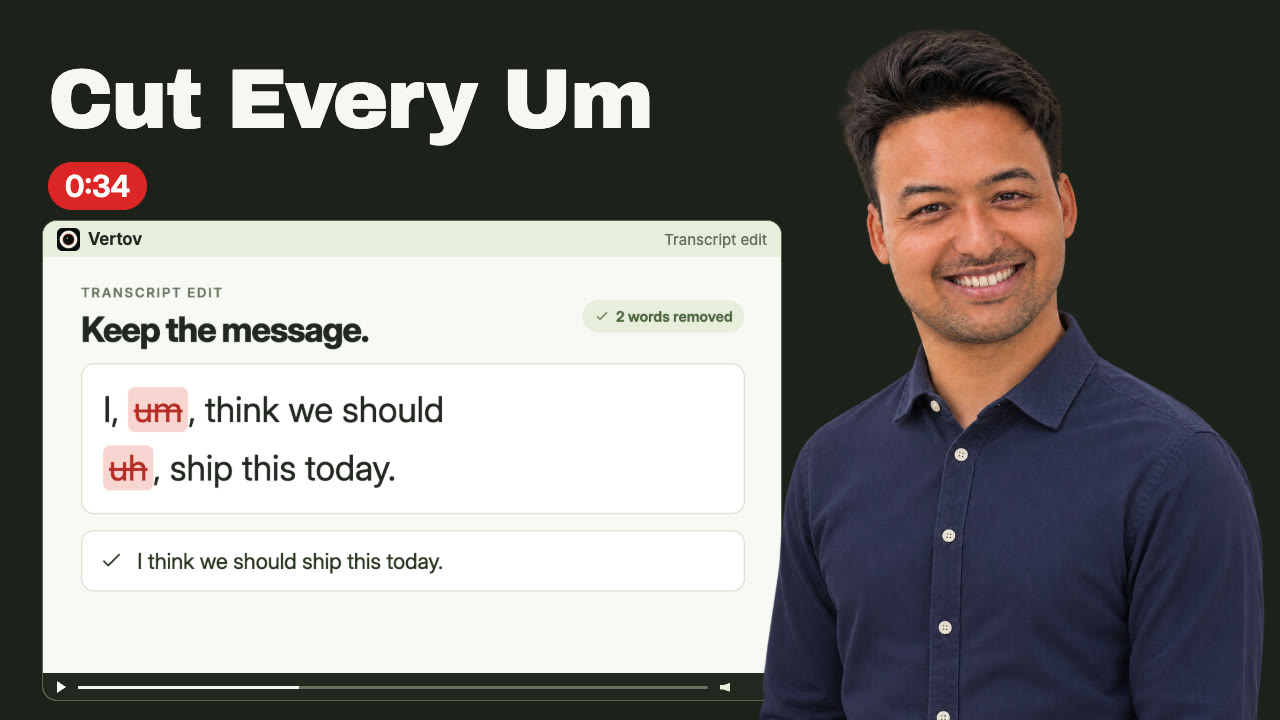 0:34How to cut filler words from a videoTrim filler words by editing the transcript.
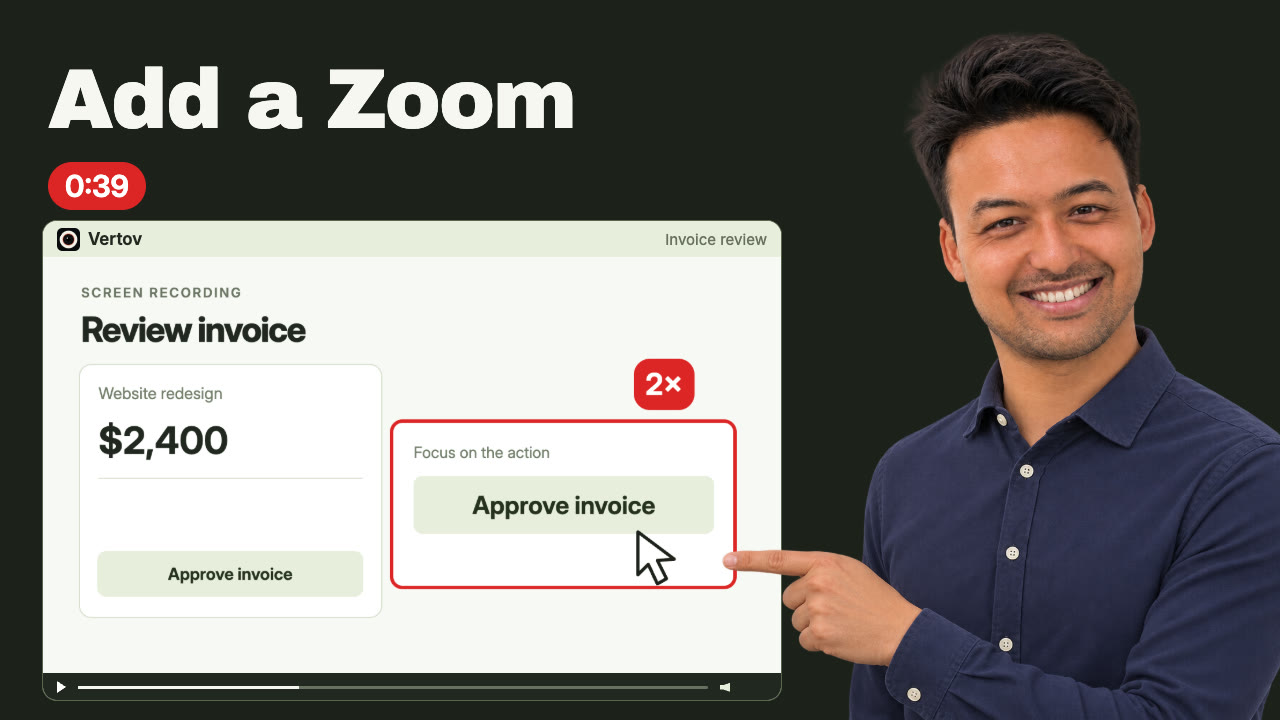 0:39How to add a zoom to a screen recordingPull the viewer's eye to the part of the screen that matters.
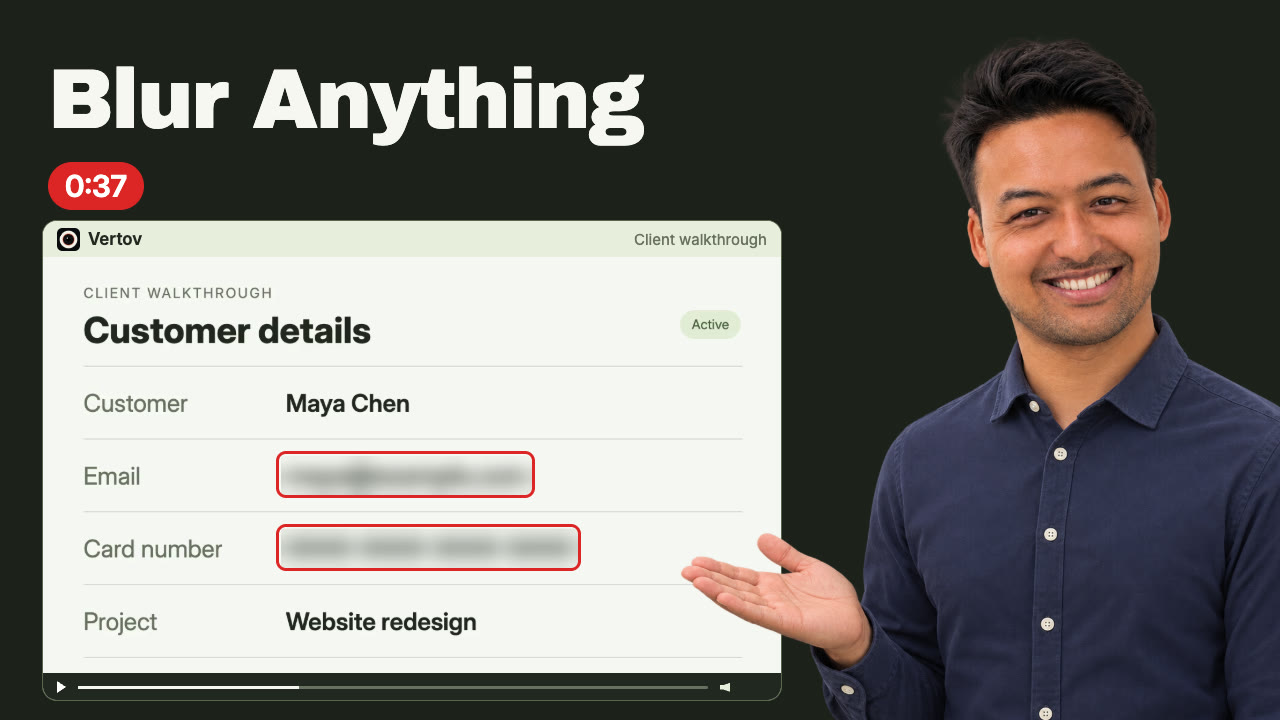 0:37How to blur something in a videoHide an email, a key or a face, in playback and in the MP4.
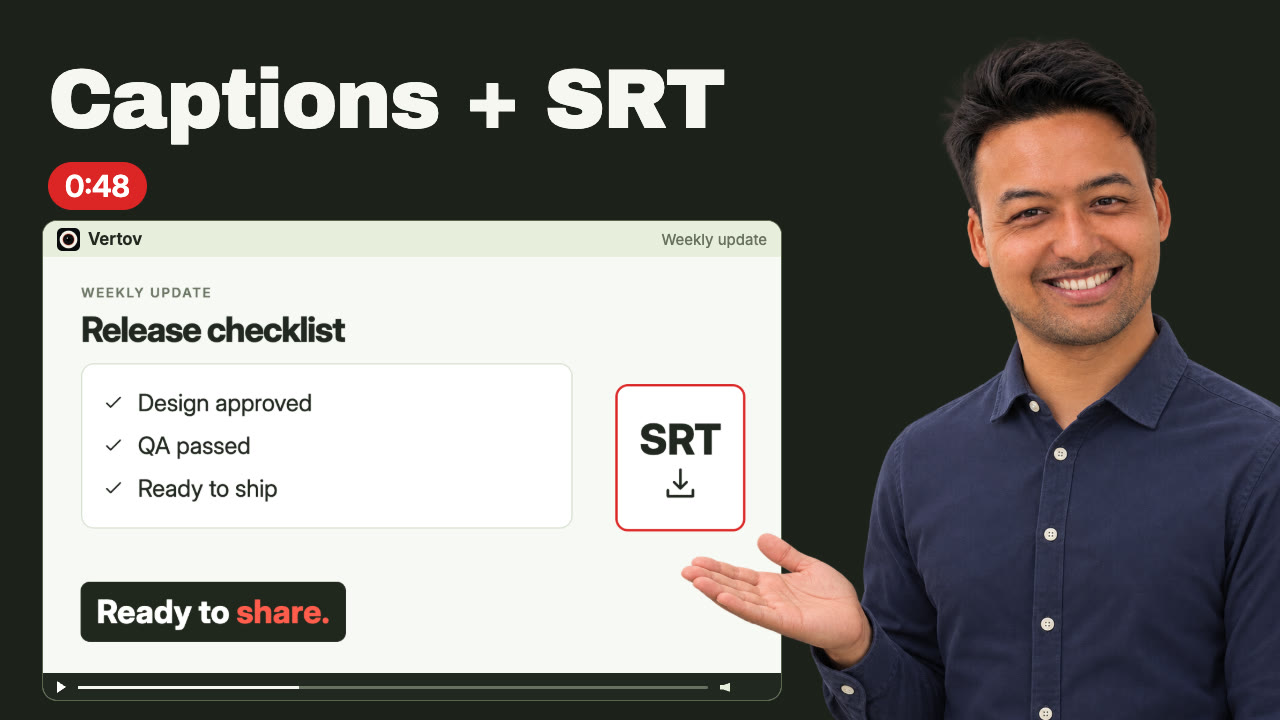 0:48How to style captions and download an SRT fileBurn captions in, or download an SRT file.
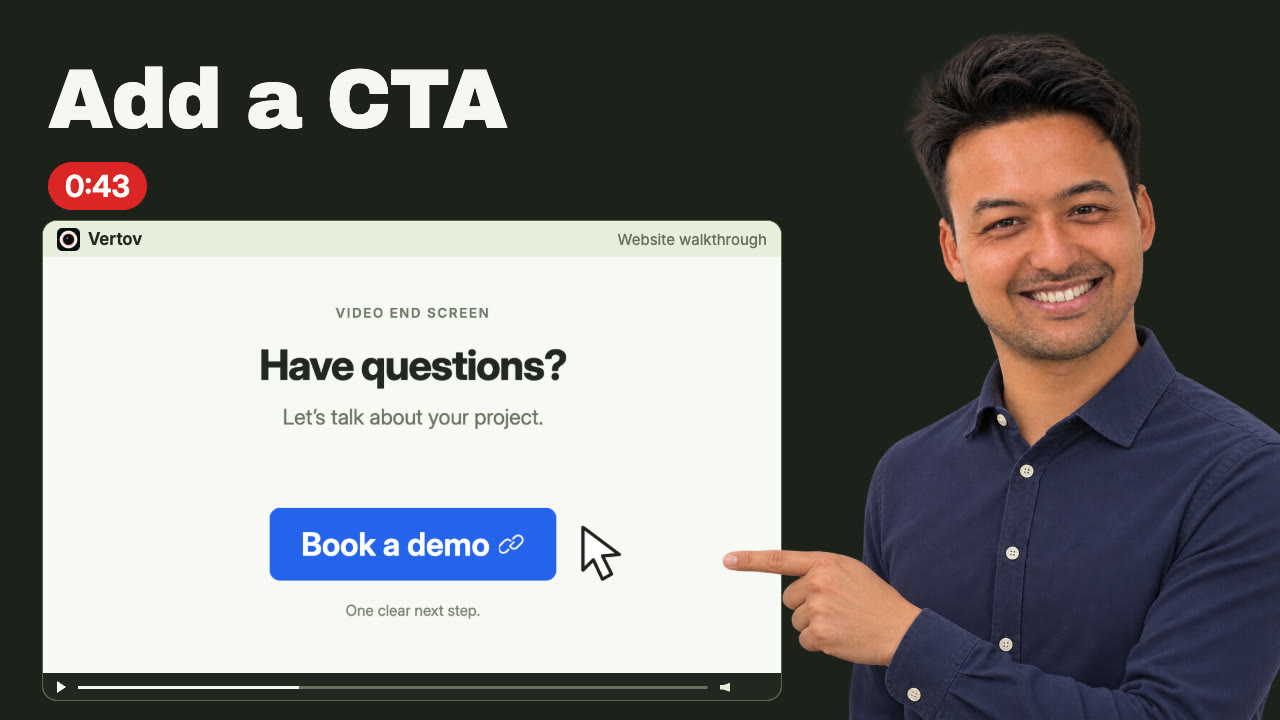 0:43How to add a call-to-action button to a videoEnd the video with a button people can click.
Share and download
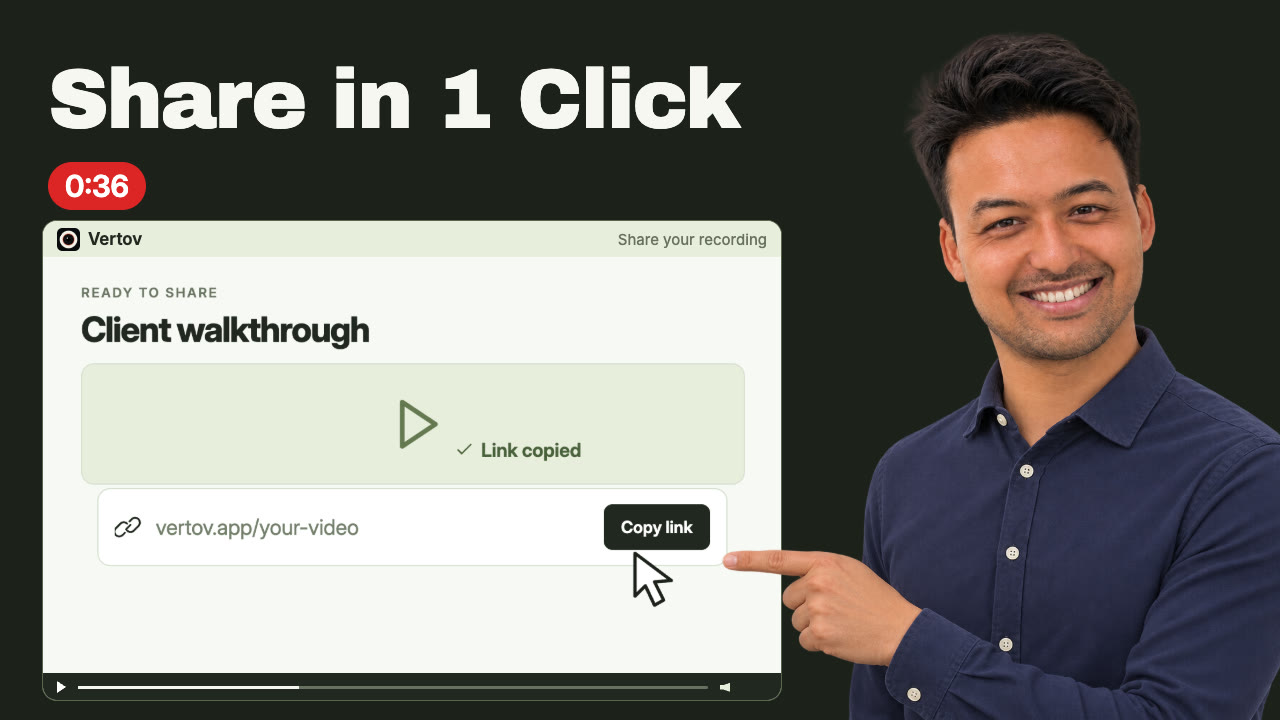
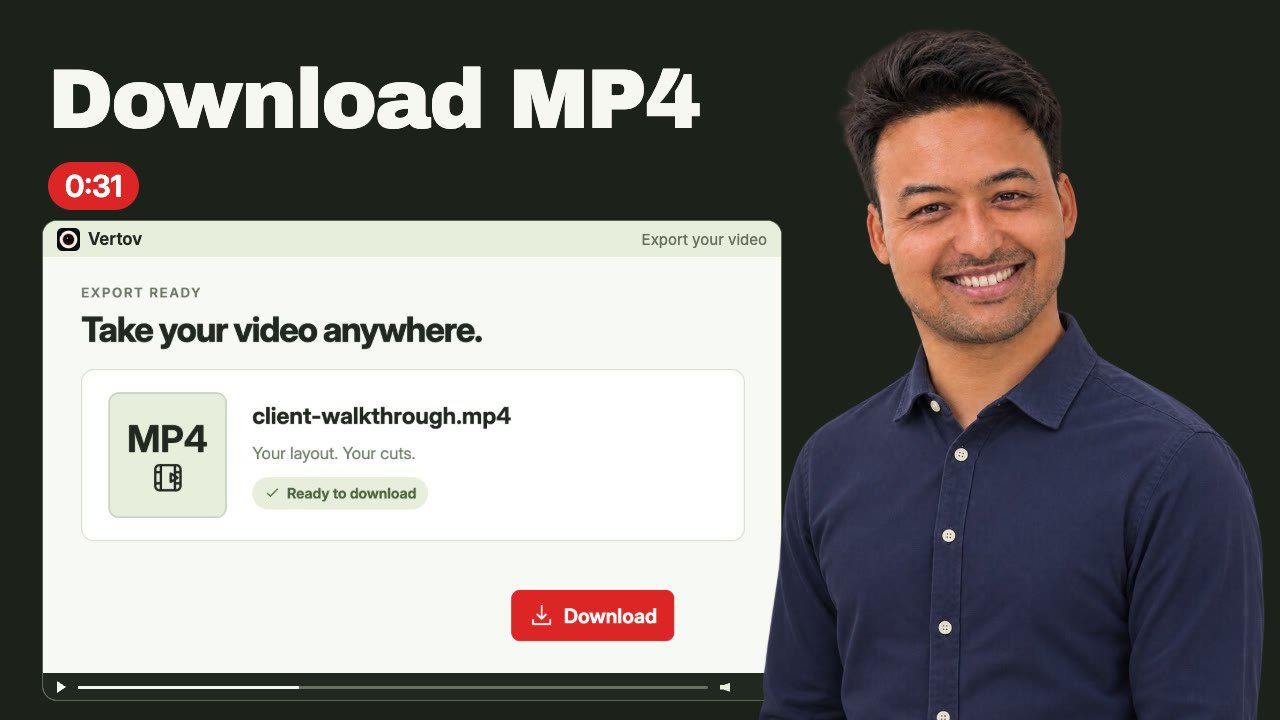
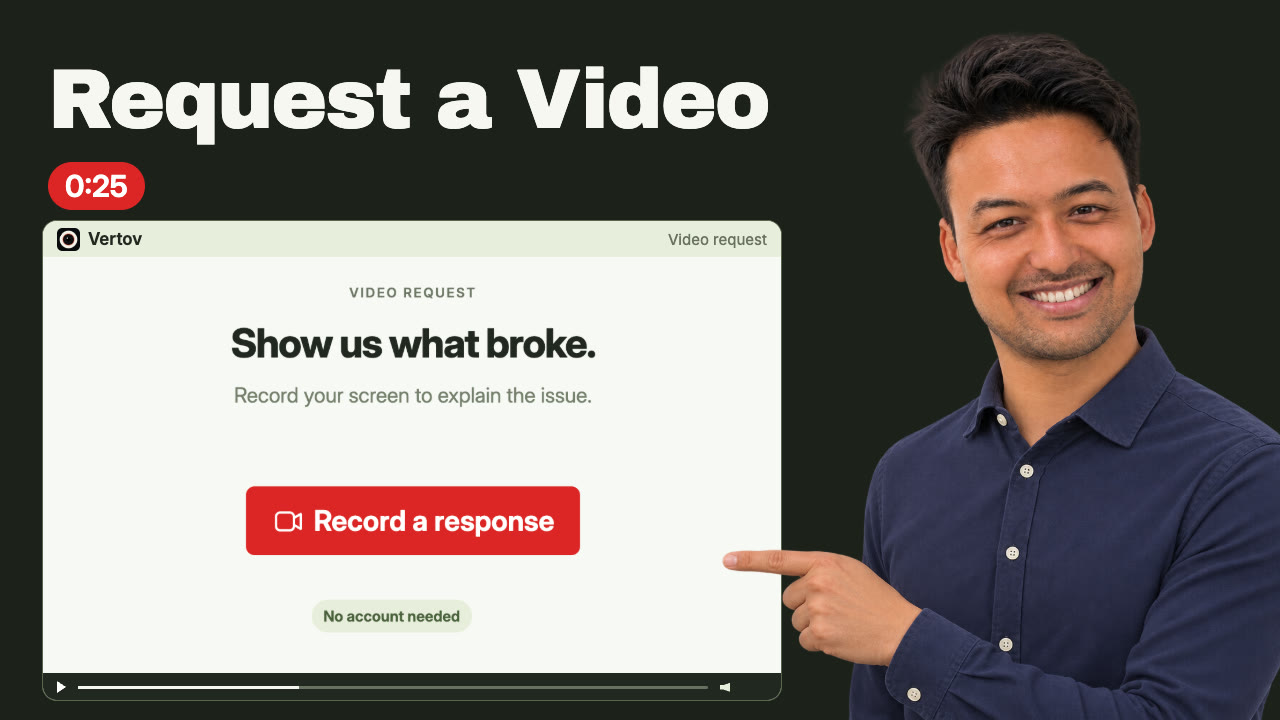
Send a link, embed the player, download the finished file, or ask someone else to record for you.
Organize and work with a team
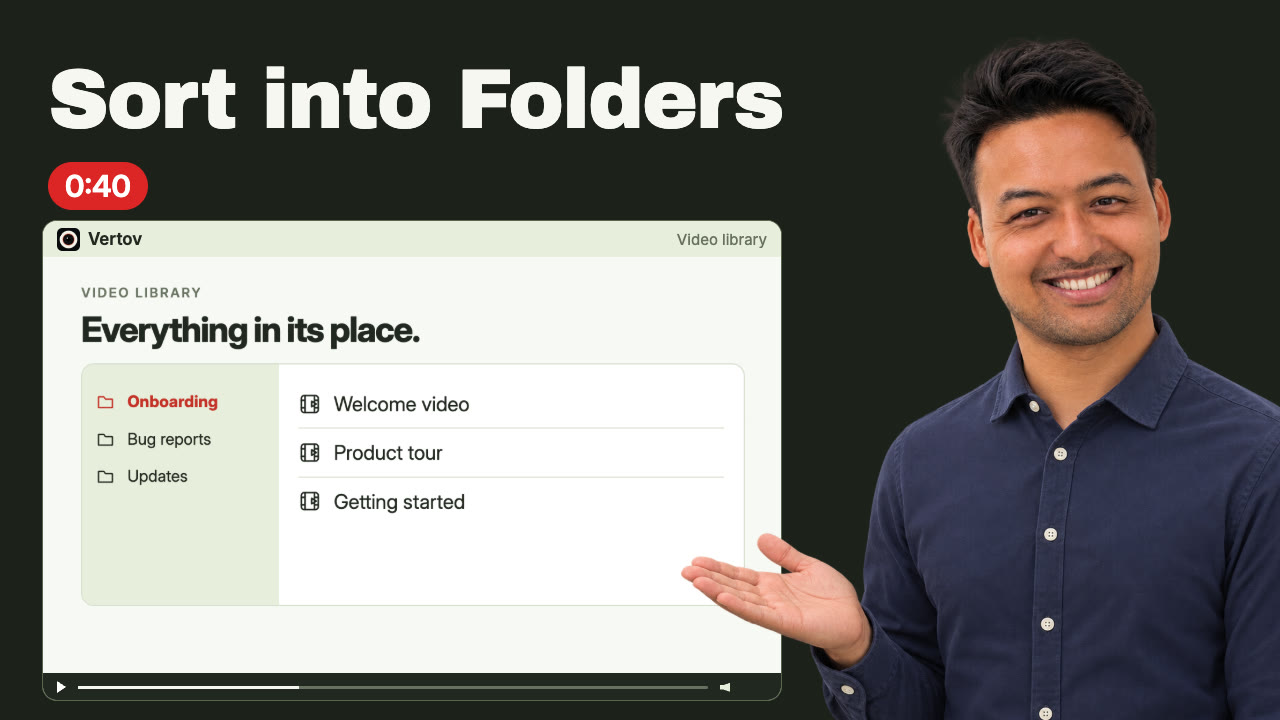
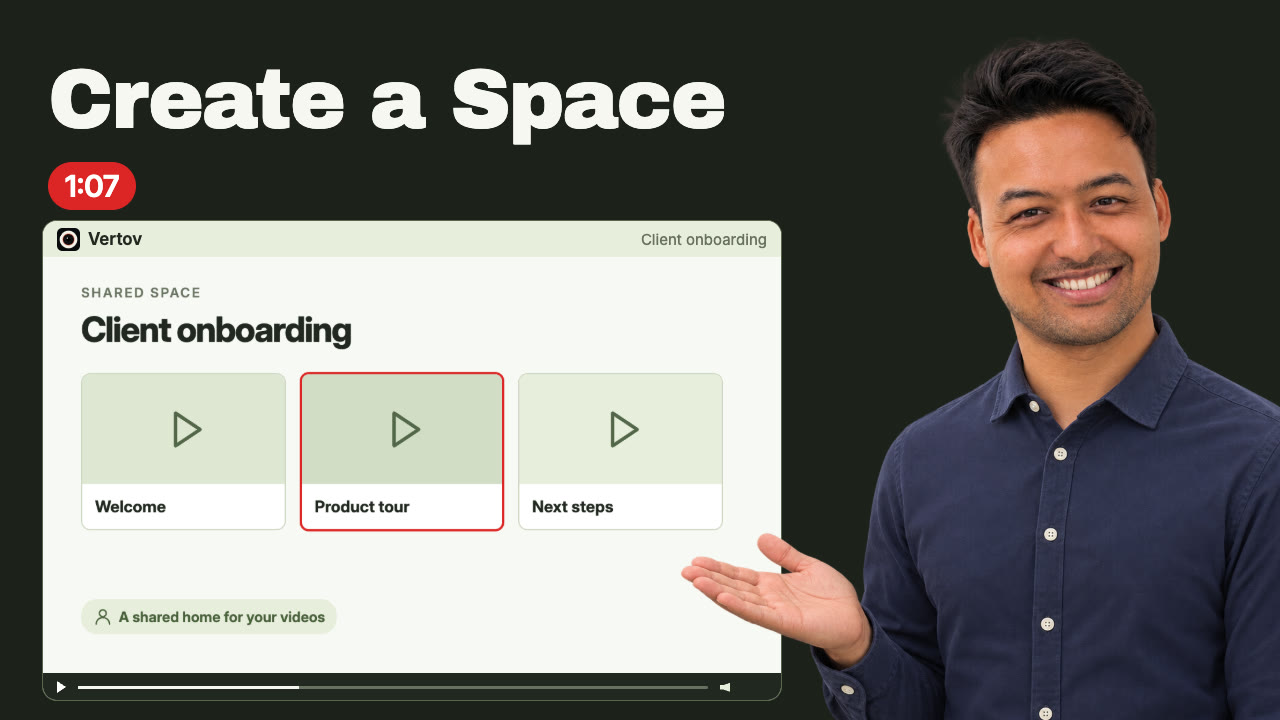
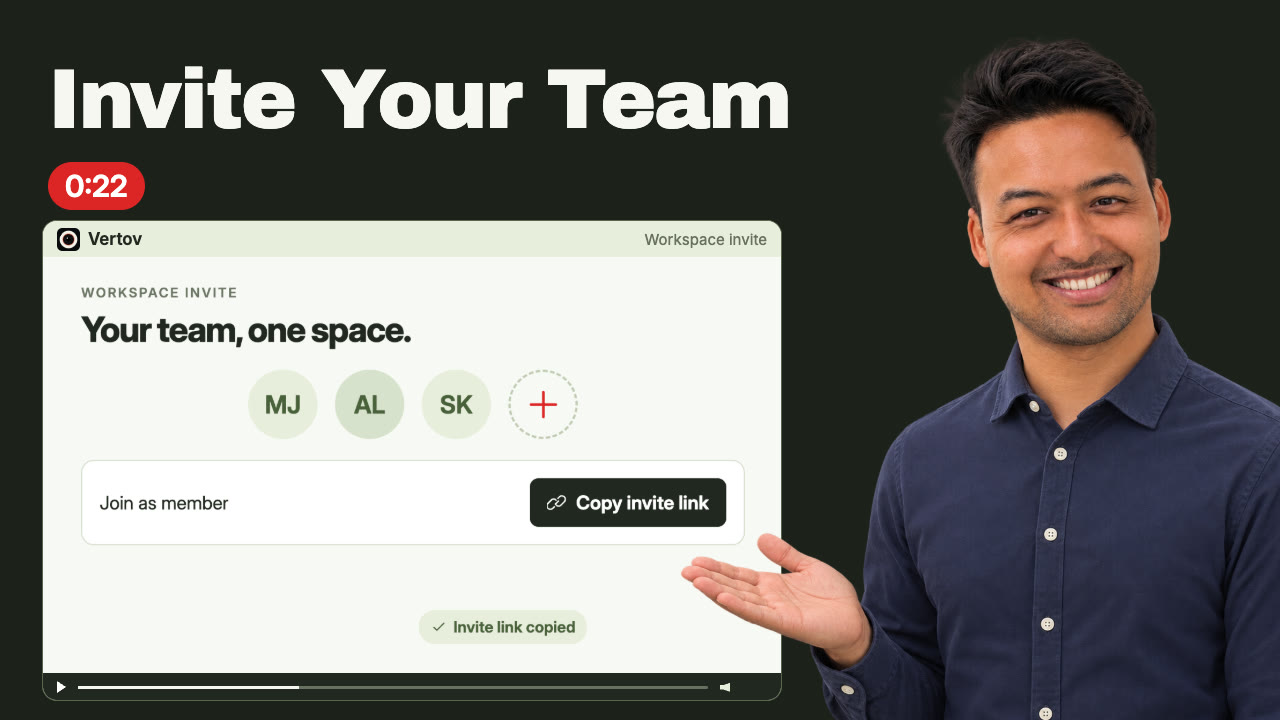
Keep your own library tidy, give a team a shared place for its videos, and bring people in.
Connect an AI agent
Let Claude, ChatGPT or Codex read your videos as transcripts and briefs.
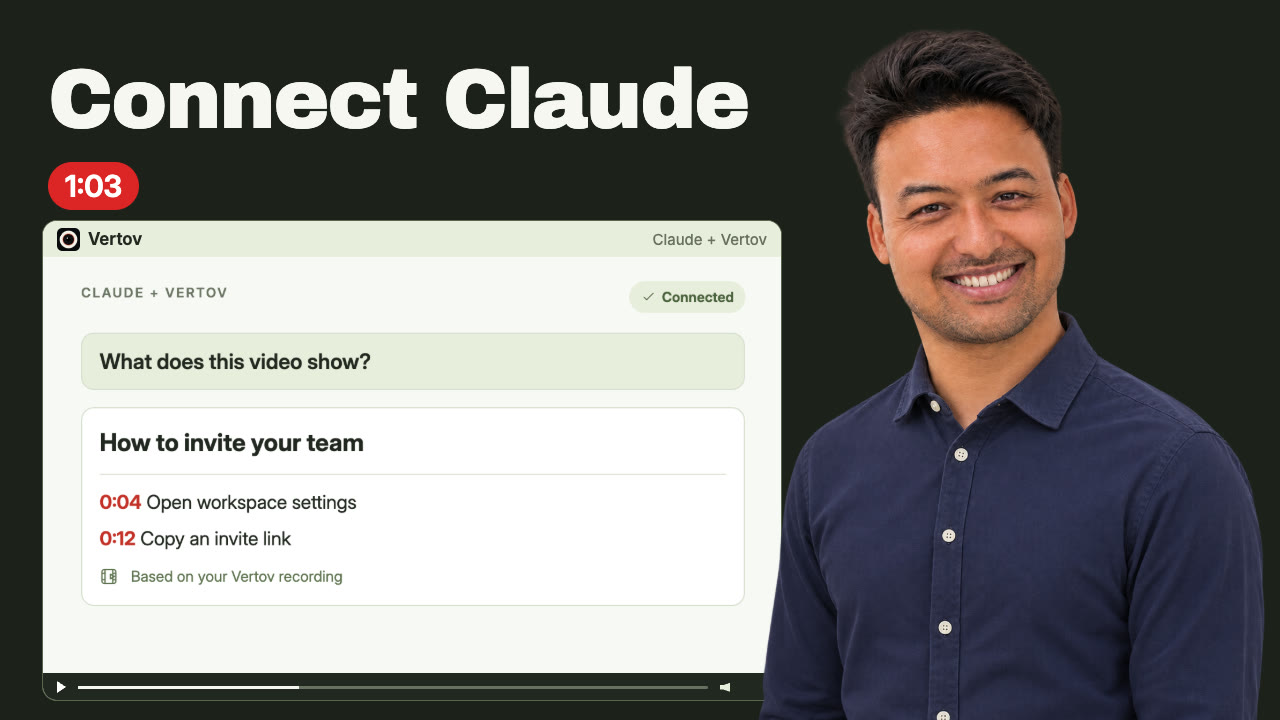
Setting it up for a team or reading about the tools: MCP documentation and Vertov for builders.
Record
Written guides for getting the recording in the first place.
Ready to record? Start in the web recorder or add the Chrome extension.