Media kit
Logos, screenshots, brand colours, boilerplate and the founder photo and bio for people writing about Vertov. Everything here is already public on vertov.app, the Chrome Web Store listing or the public repository.
Logo and social image

Use the mark as supplied. Do not change its colours or proportions. The Vertov name and logo are not covered by the open-source license.
Screenshots
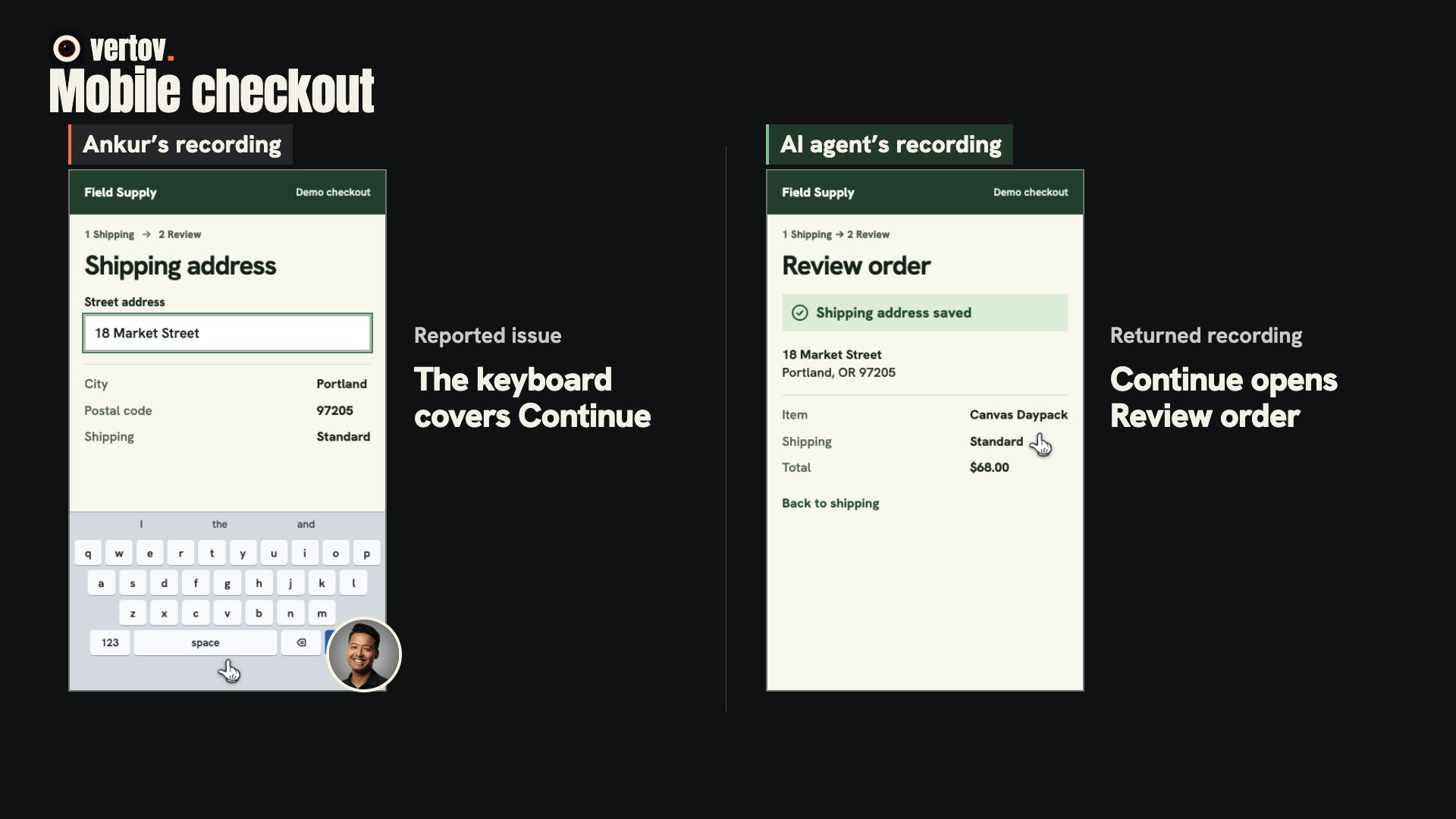 Mobile checkout exampleJPG · 1920 × 1080 · 0.1 MB
A frame from Vertov's example film: a person's recording and an agent's returned recording. The checkout is a demo with sample data.
Download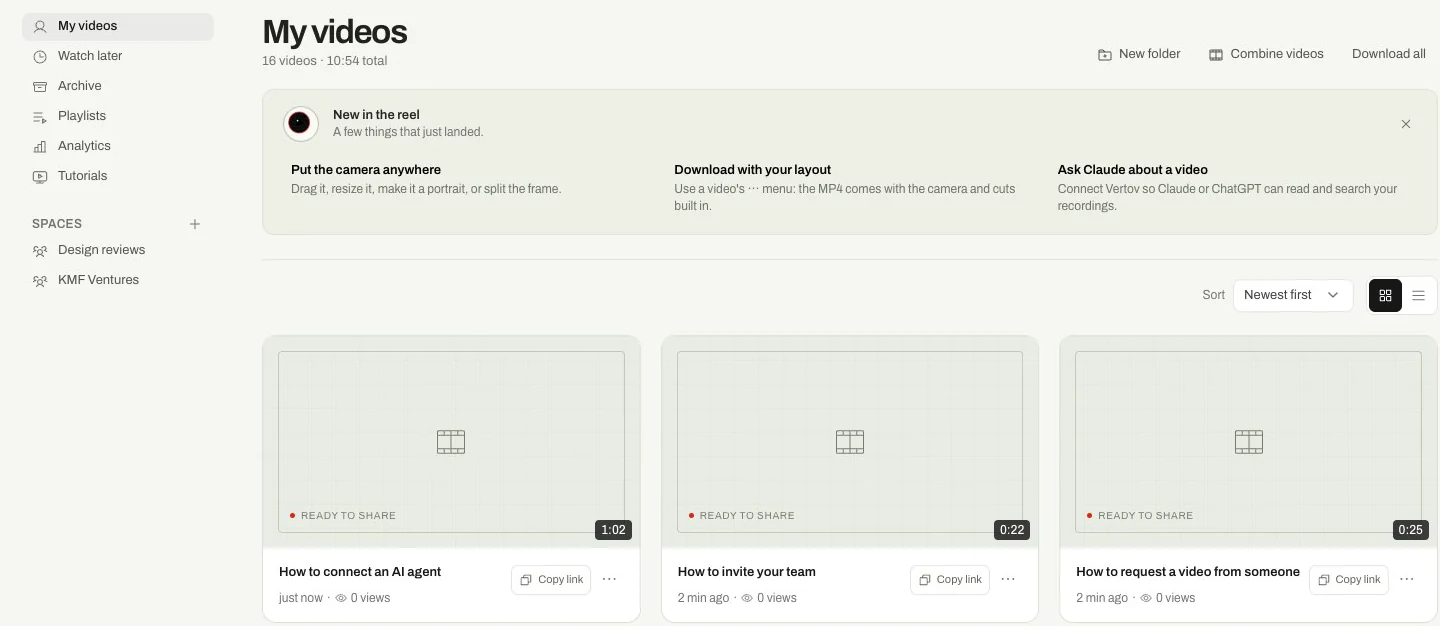
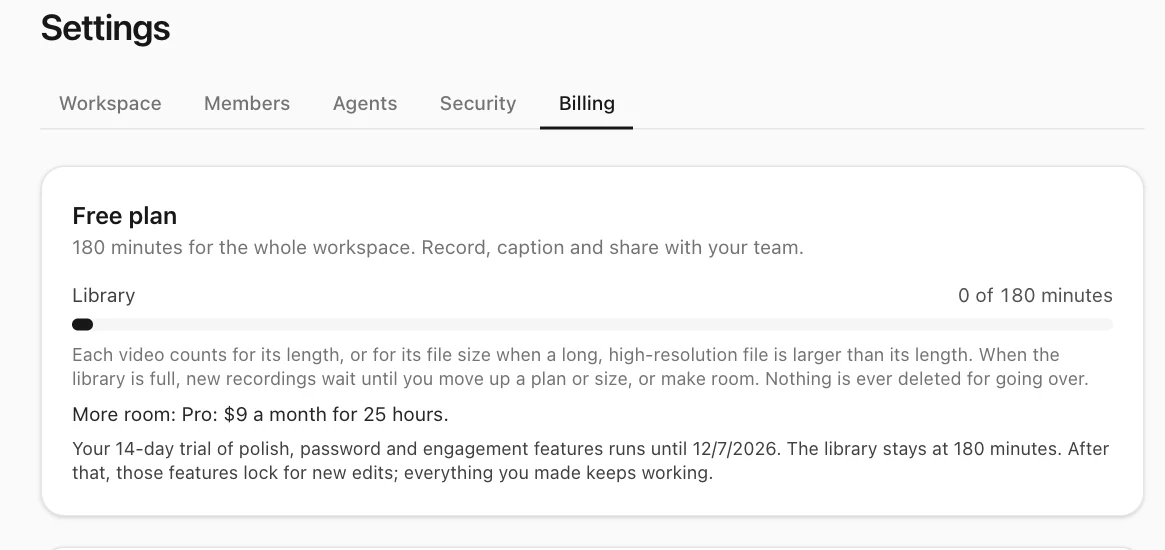 Billing and library hoursPNG · 1165 × 550 · 0.1 MB
The Free plan's 180-minute library meter.
Download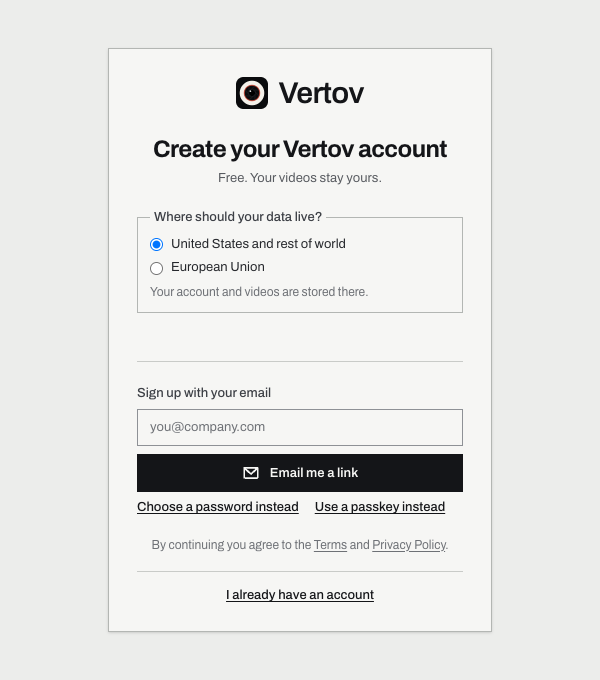 Data-location choice at sign-upPNG · 600 × 680 · 42 KB
The create-account screen offering United States and rest of world, or European Union.
Download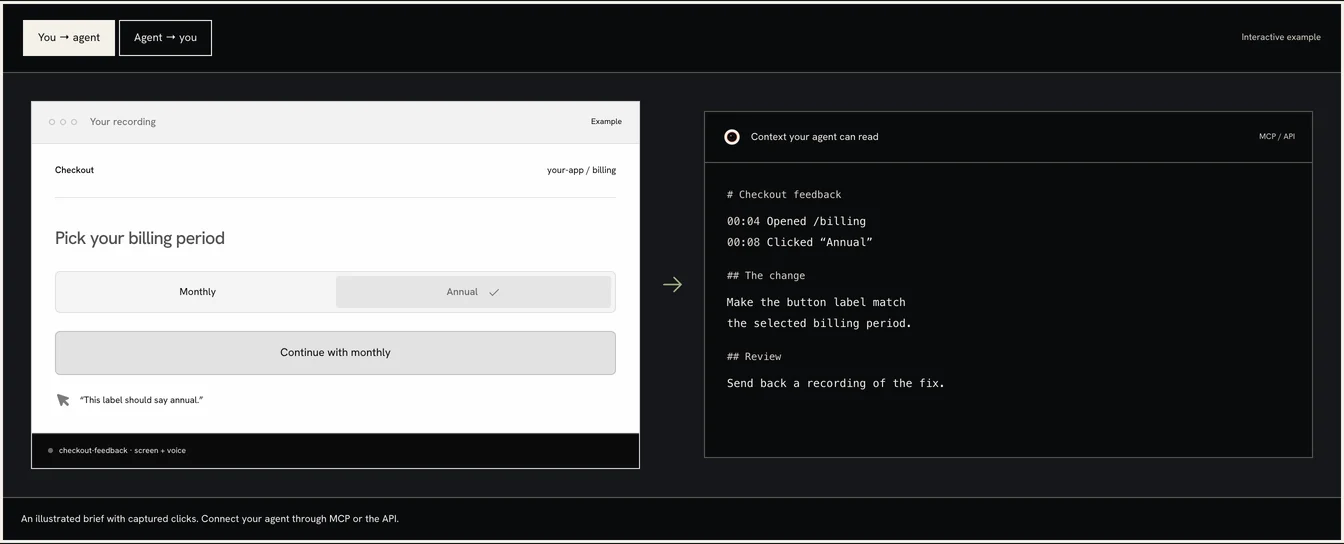 Recording and agent brief (illustration)PNG · 1344 × 544 · 93 KB
An illustrated example, not a real customer's recording.
Download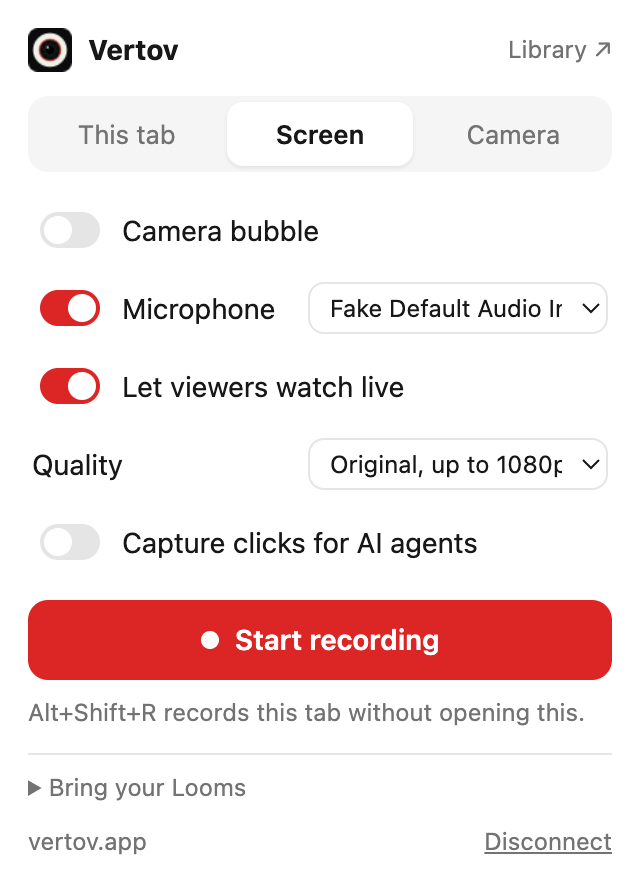
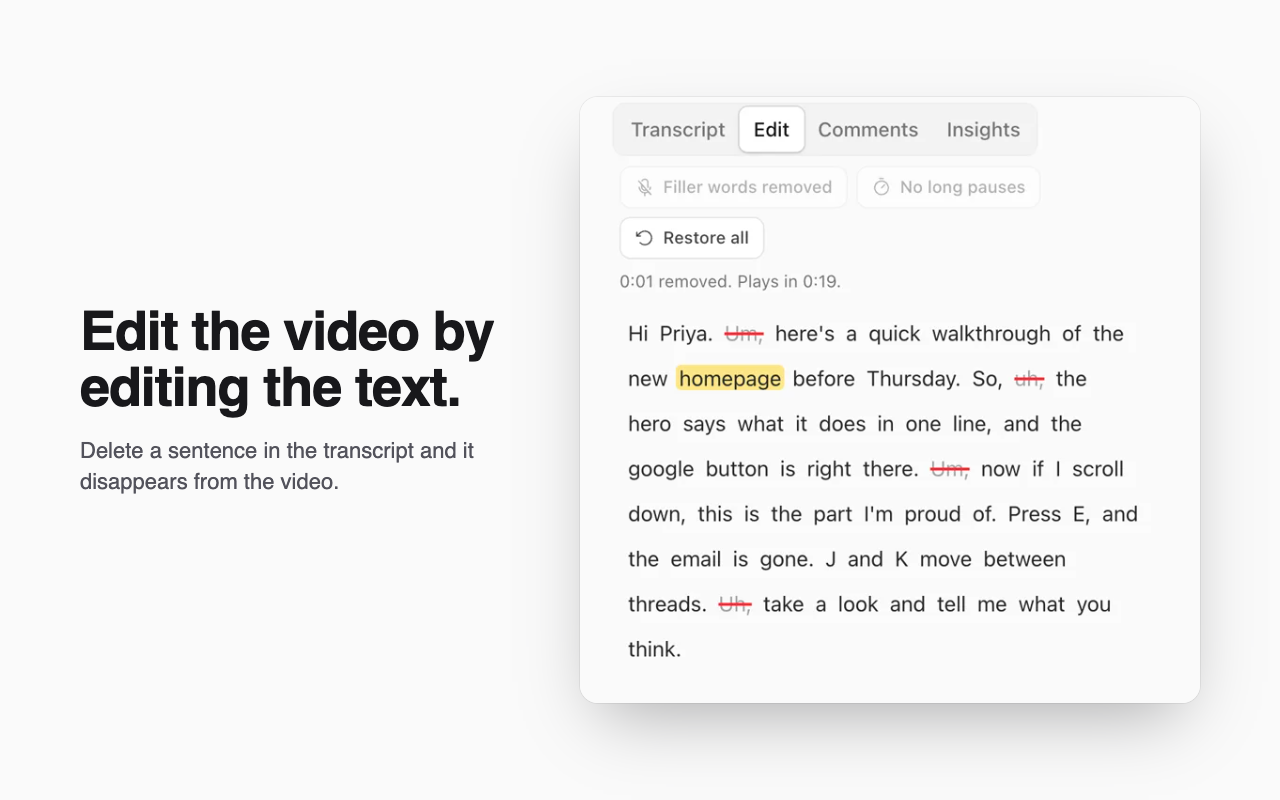 Edit by transcriptPNG · 1280 × 800 · 0.1 MB
Filler words struck out in the transcript editor.
Download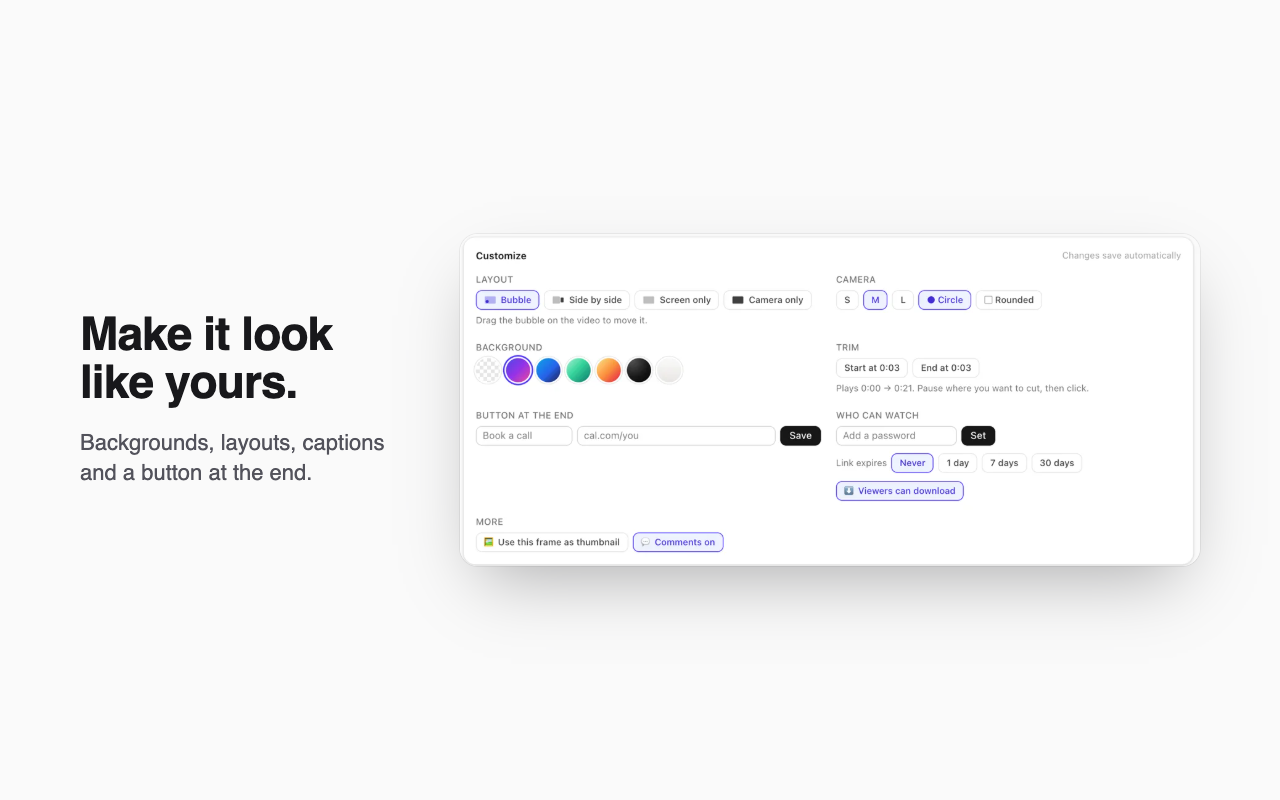 Customize a recordingPNG · 1280 × 800 · 0.1 MB
Layout, background, trim and sharing controls.
Download
Screenshots show Vertov with sample data. The Chrome extension images were captured before version 0.6.13; the extension's interface may differ slightly.
Brand colours
- Ink
#0A0B0DText, the mark's background and dark sections
- Paper
#F4F1EAPage background and the mark's ring
- Vertov red
#D92B14The logo's ring
- Interface red
#CF2A12Buttons and accents on the website
Boilerplate
Short
Vertov is a screen recorder for people and AI agents. It records a browser tab, window, screen or camera, gives you a share link when you stop, and lets an AI agent read the recording as a transcript and brief. Plans are priced per workspace, not per seat. vertov.app
Long
Vertov is a screen recorder for people and AI agents, made by Ankur Shrestha. You can record a browser tab, window, screen or camera from the web app or the Chrome extension, and the share link is ready when you stop. Every recording has captions and a transcript, and you can edit the video by editing the text.
AI agents can read a recording as a timestamped transcript and Markdown brief, either by pasting the brief or through Vertov's MCP server at vertov.app/mcp. Workspace owners can also have an agent record narrated tutorials of their own web app. Vertov can import Loom videos.
Plans are per workspace and priced by hours of video kept in the library. Everyone in a workspace shares the same hours, and members and viewers are free. Accounts are stored in the US by default, with an EU storage option chosen at sign-up. The open-source core is published under AGPL-3.0 at github.com/ankurmans/vertov-screen-recorder.
Links
- vertov.app, the site and web recorder
- Chrome Web Store listing, version 0.6.13 on 2026-11-24
- Open-source repository, AGPL-3.0
Founder

Ankur Shrestha, Founder
Ankur Shrestha is the founder of Vertov and operates it. He is the author of Vertov's published research, “How GUI Agents Receive Instructions: An Exploratory Mapping of 85 Benchmark Families.”
Media contact
For interviews, facts to check and partnership enquiries, write to press@vertov.app. For help using Vertov, write to support@vertov.app.
Need something else?
Ask at press@vertov.app. Do not use these files to suggest that Vertov endorses a product.